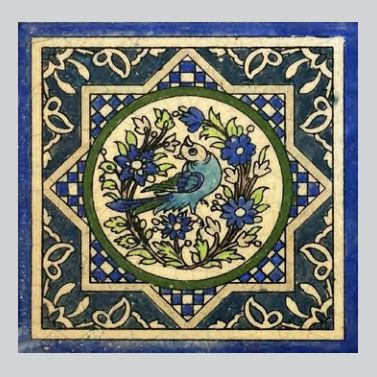
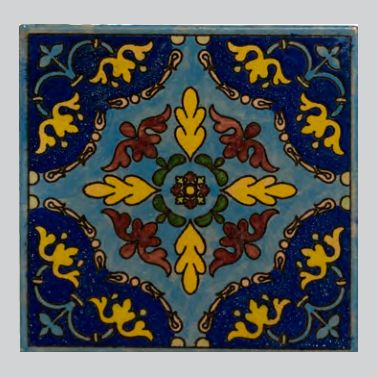
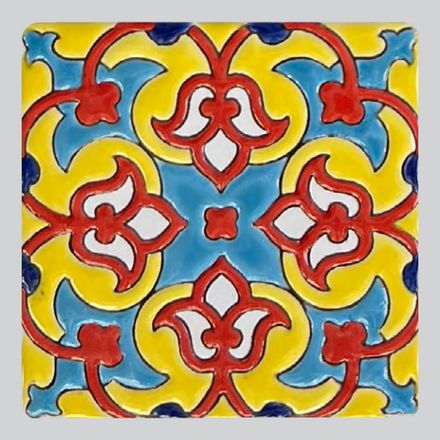
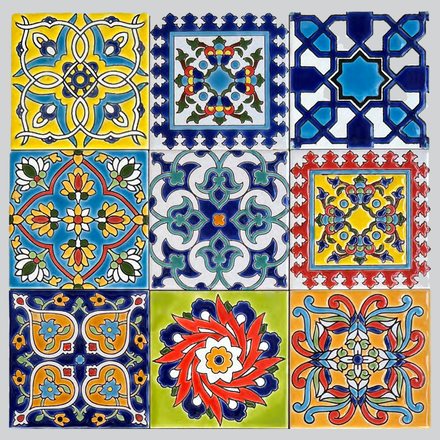
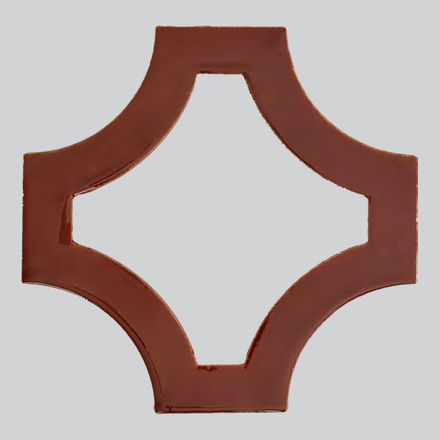
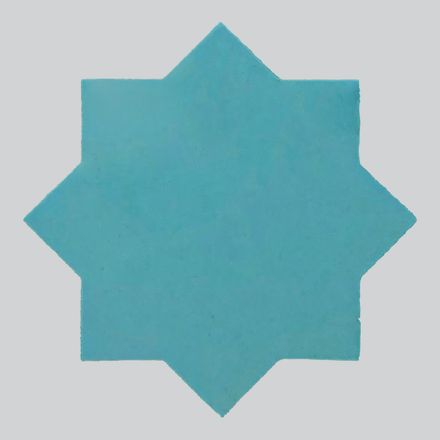
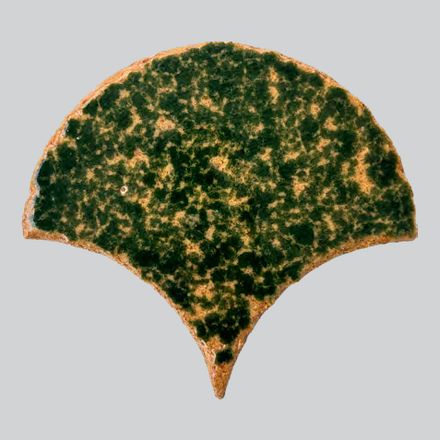
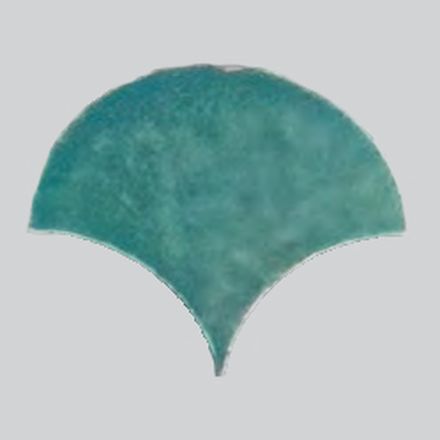
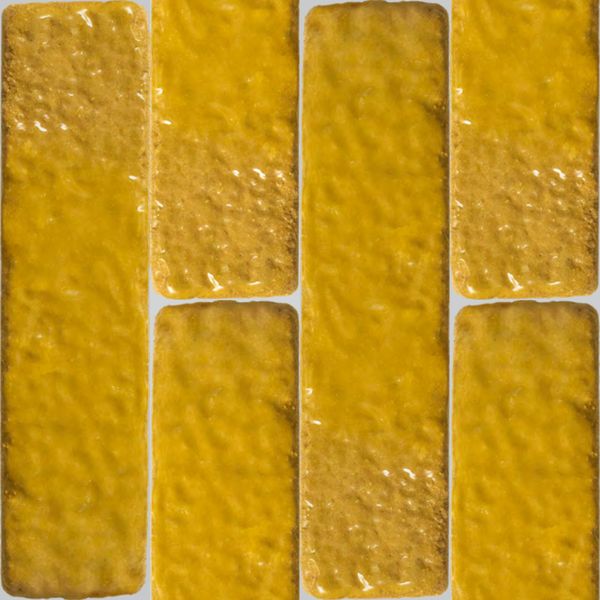
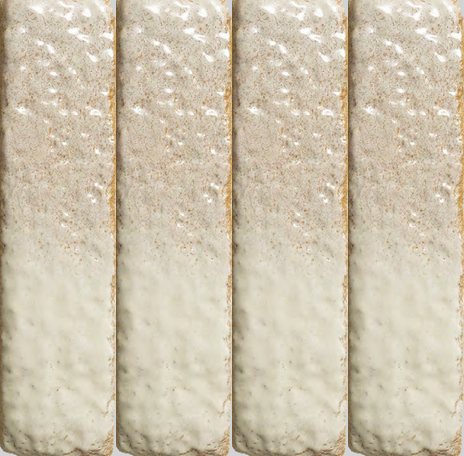
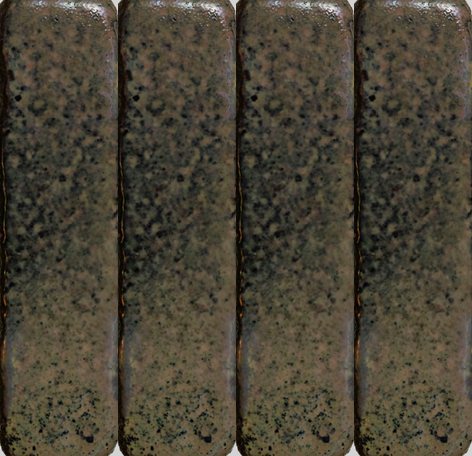
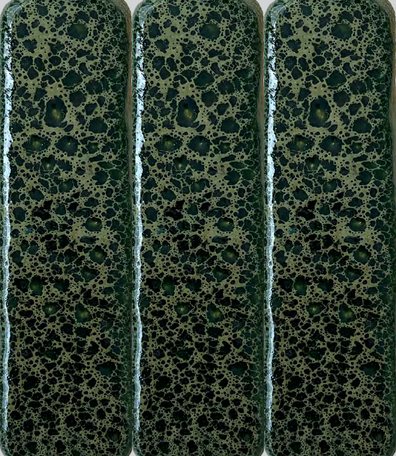
Welcome to the Biocrete product catalogue. Everything you need is inside this one file.
BROWSE. Scroll through the five sections, or open the CATALOGUE INDEX just after the cover: tap a section to jump straight to it, or type a product number into the finder to go directly to that product’s card.
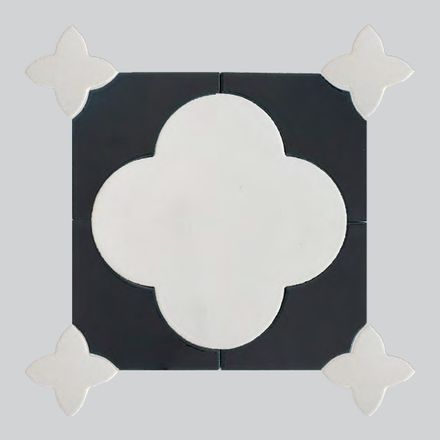
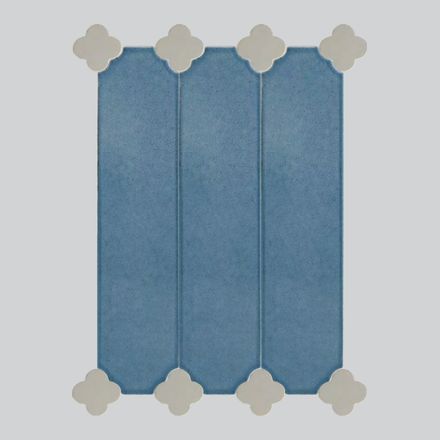
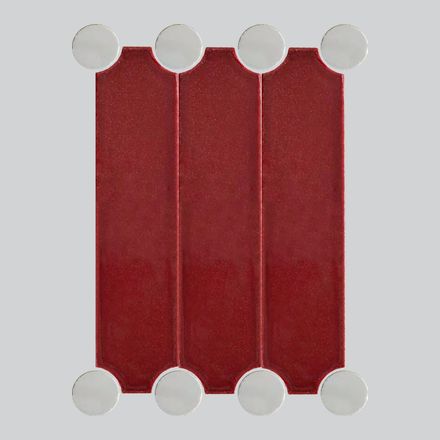
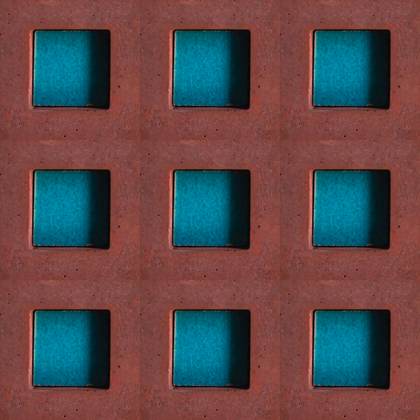
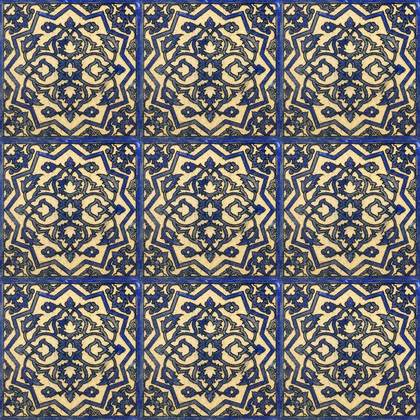
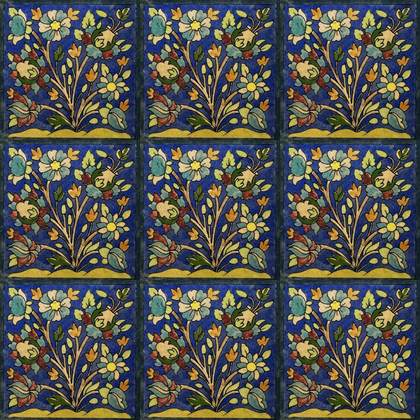
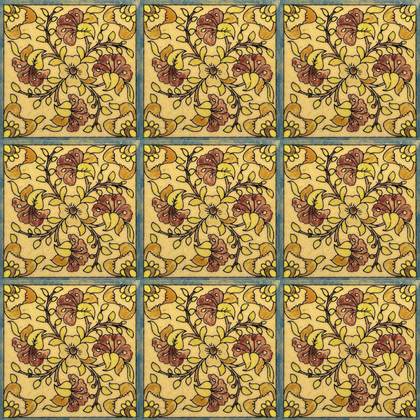
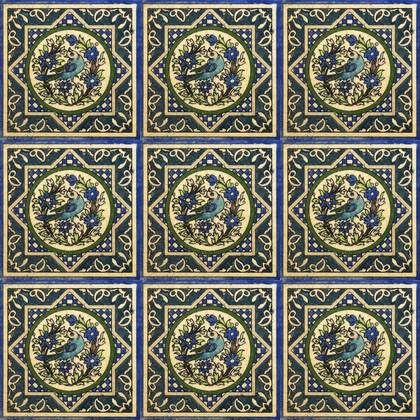
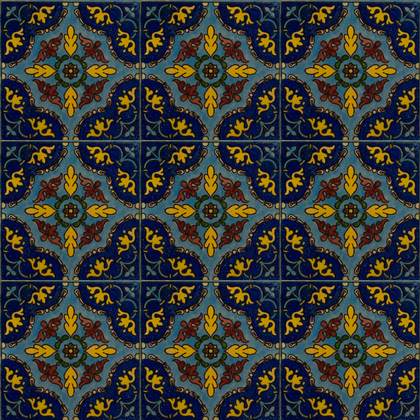
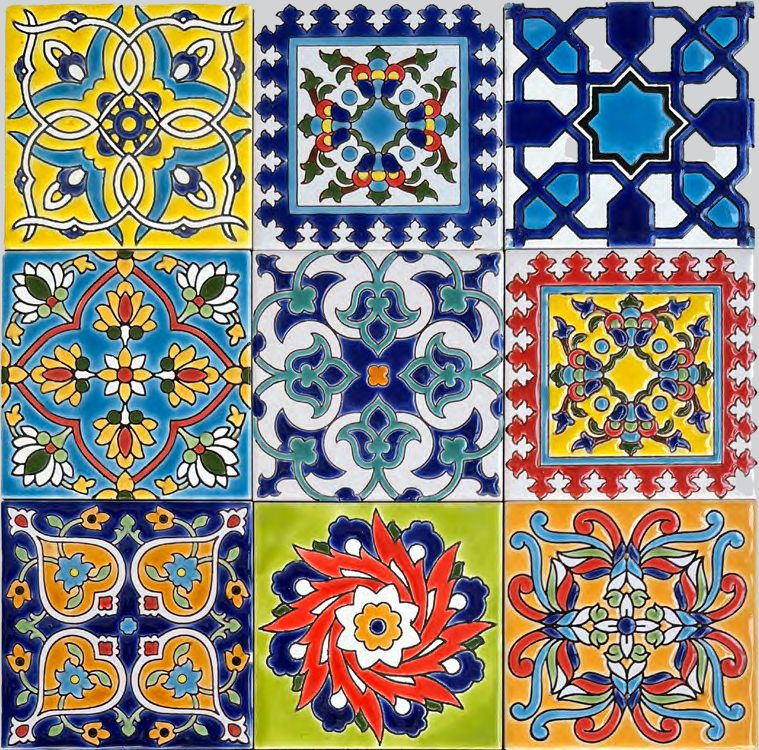
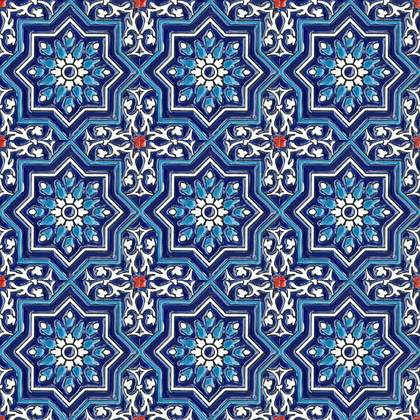
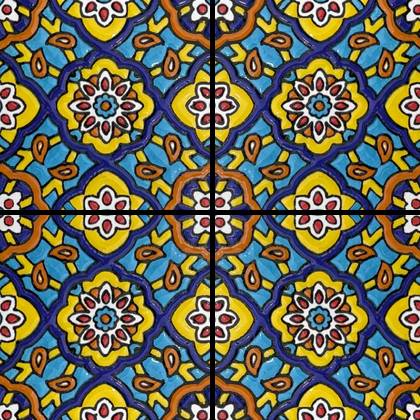
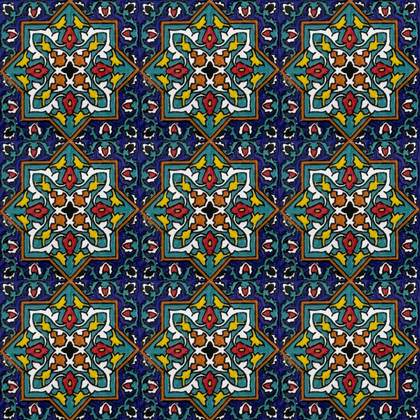
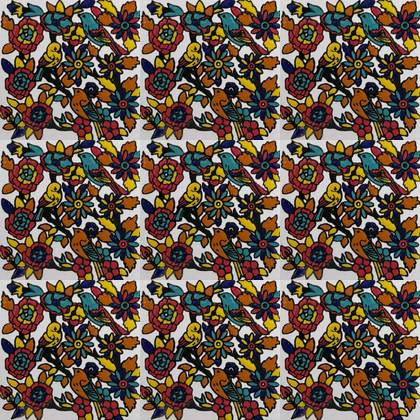
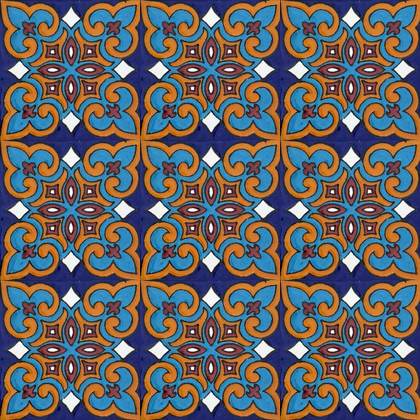
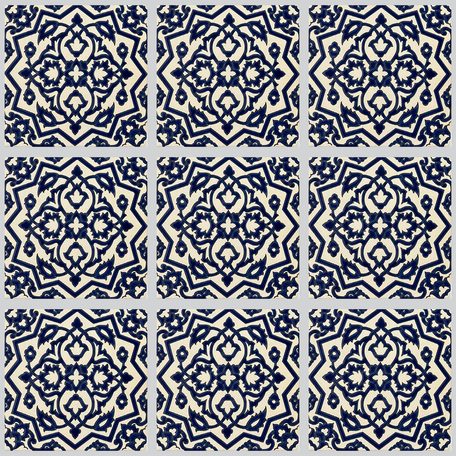
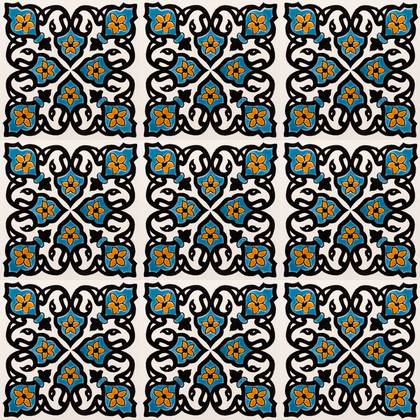
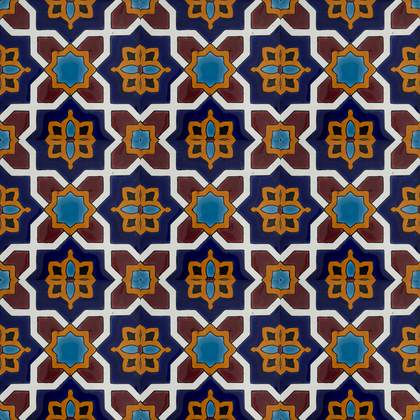
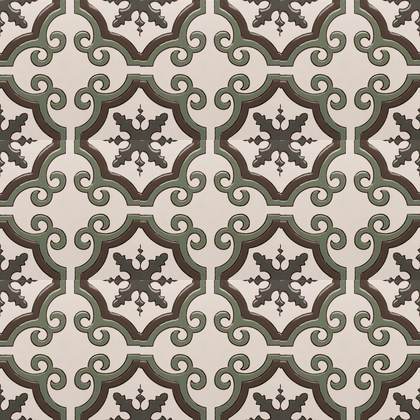
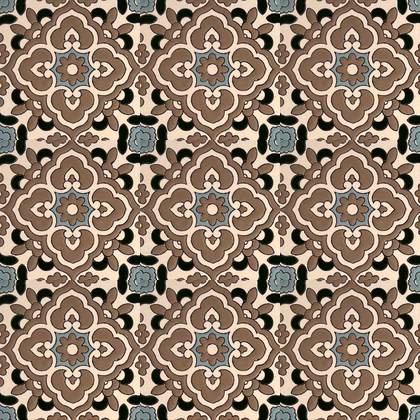
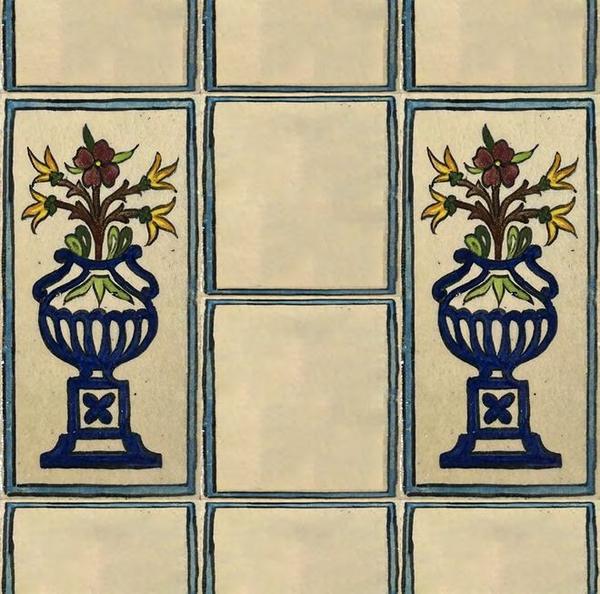
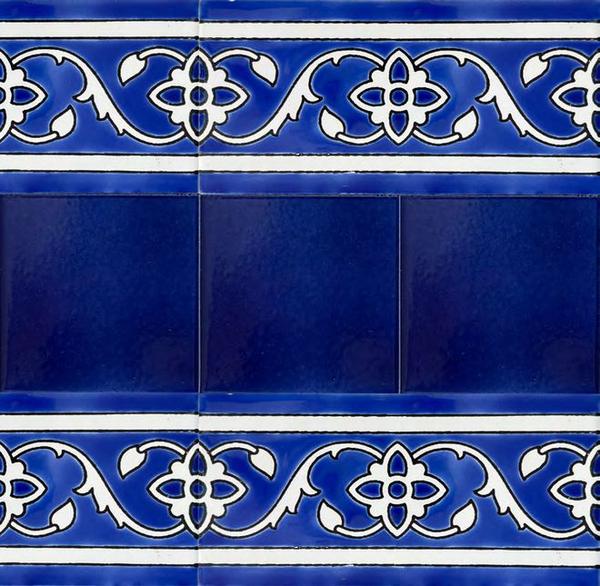
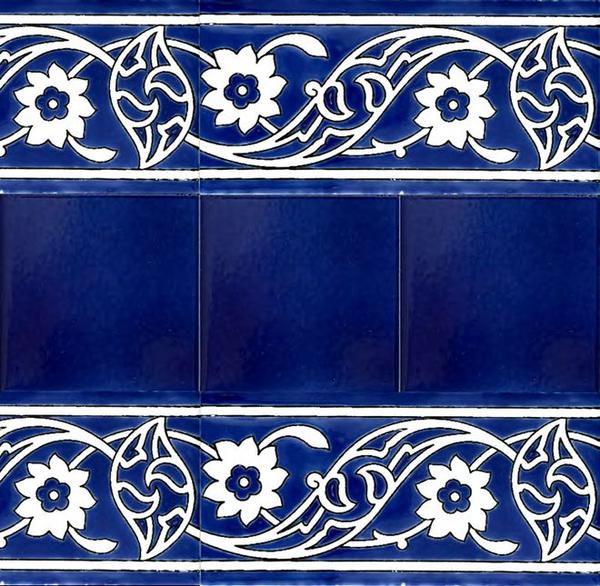
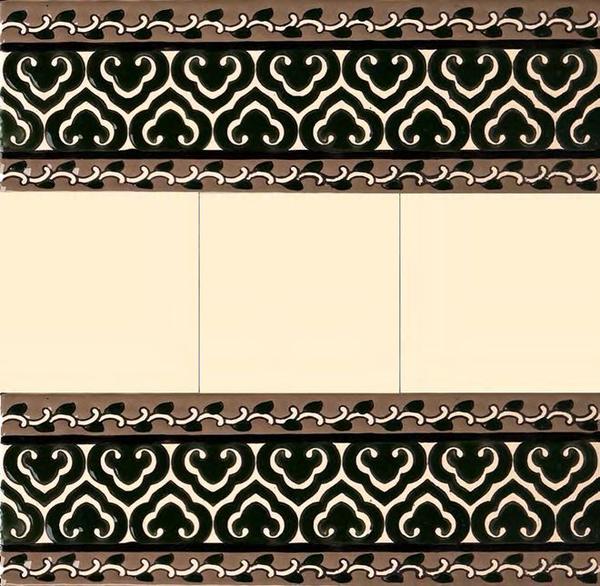
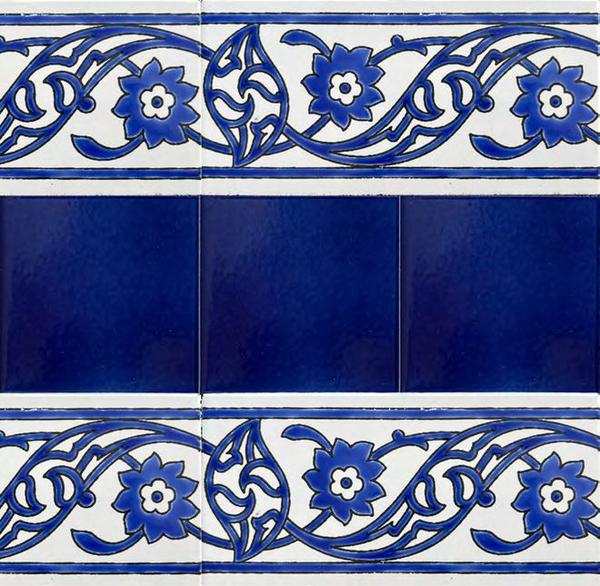
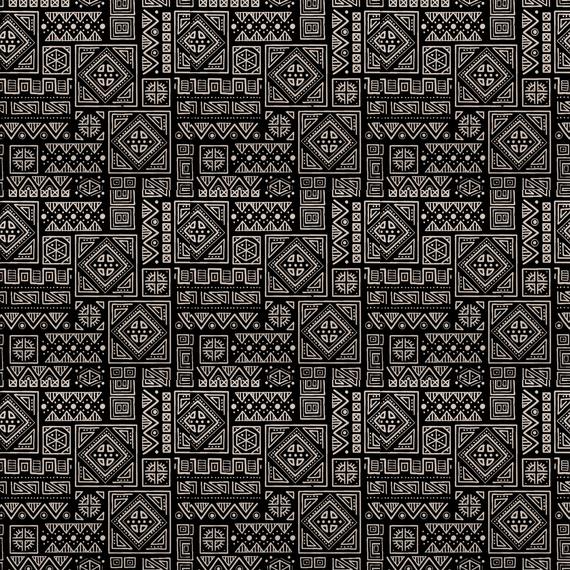
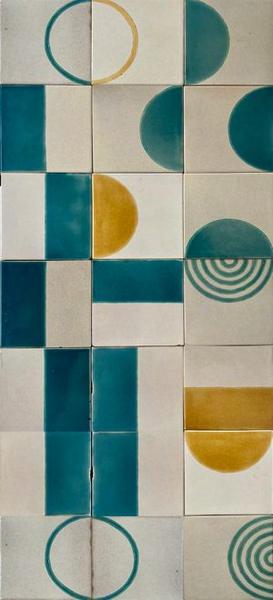
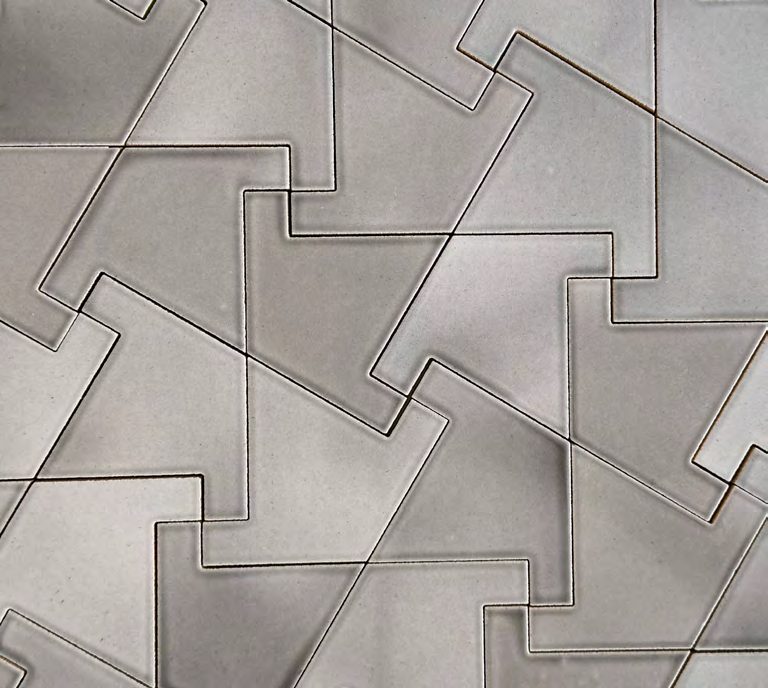
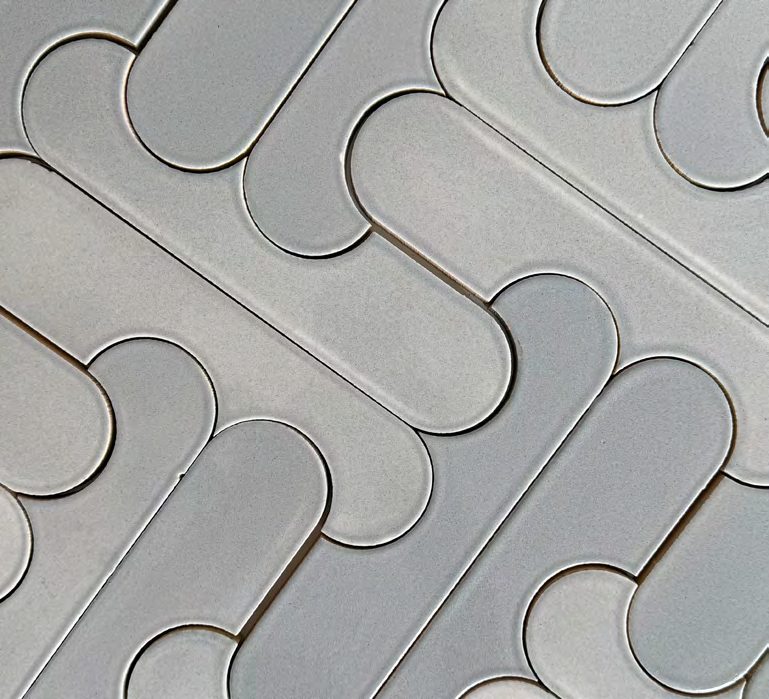
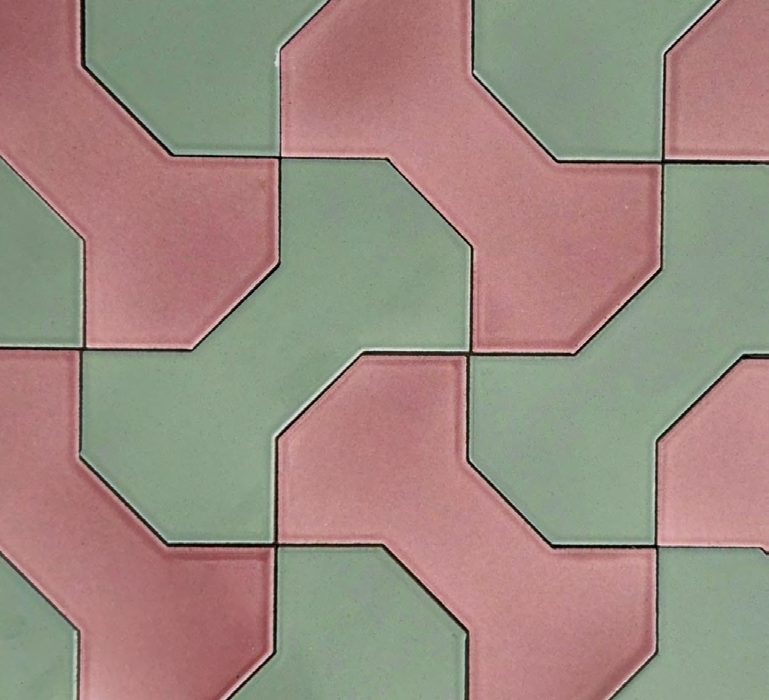
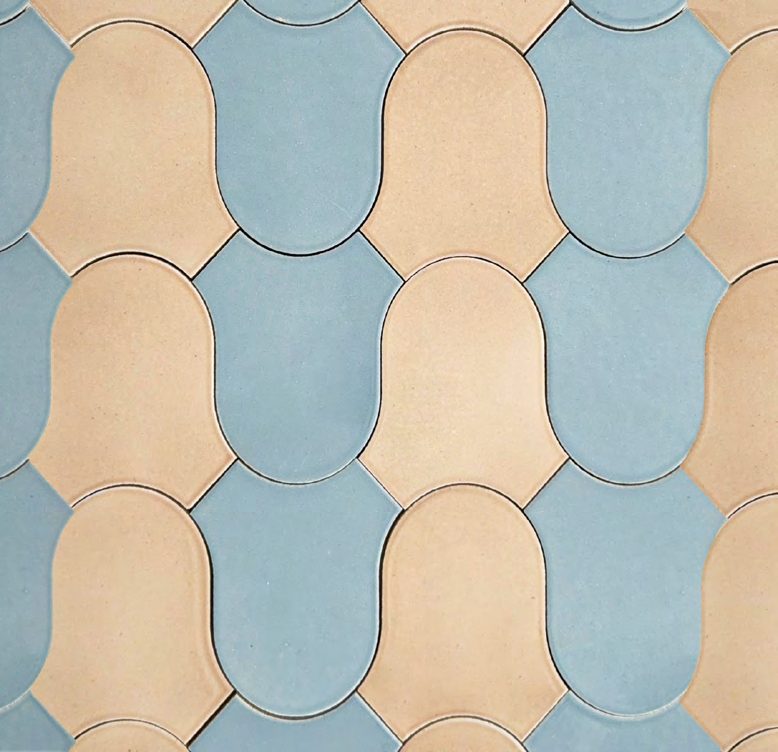
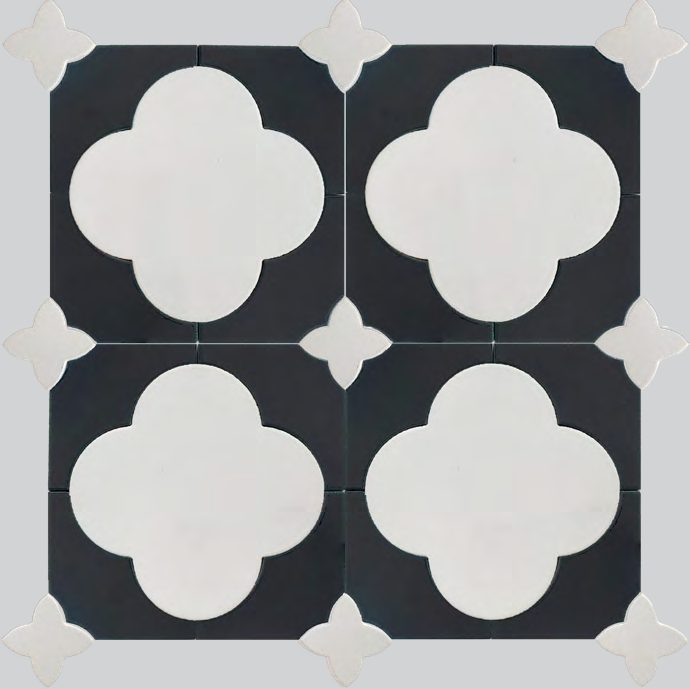
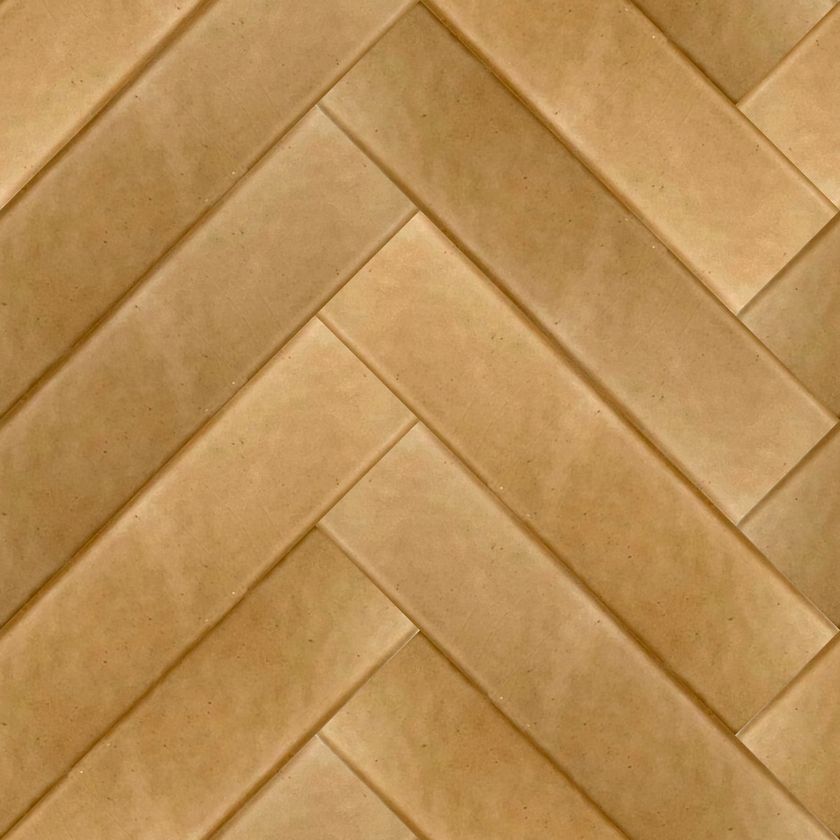
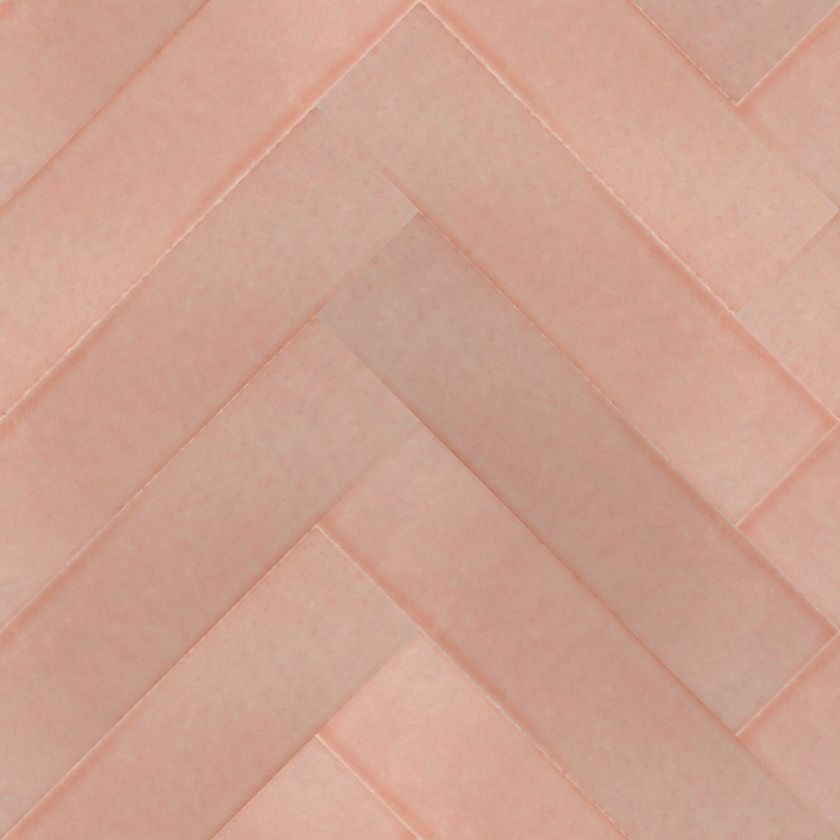
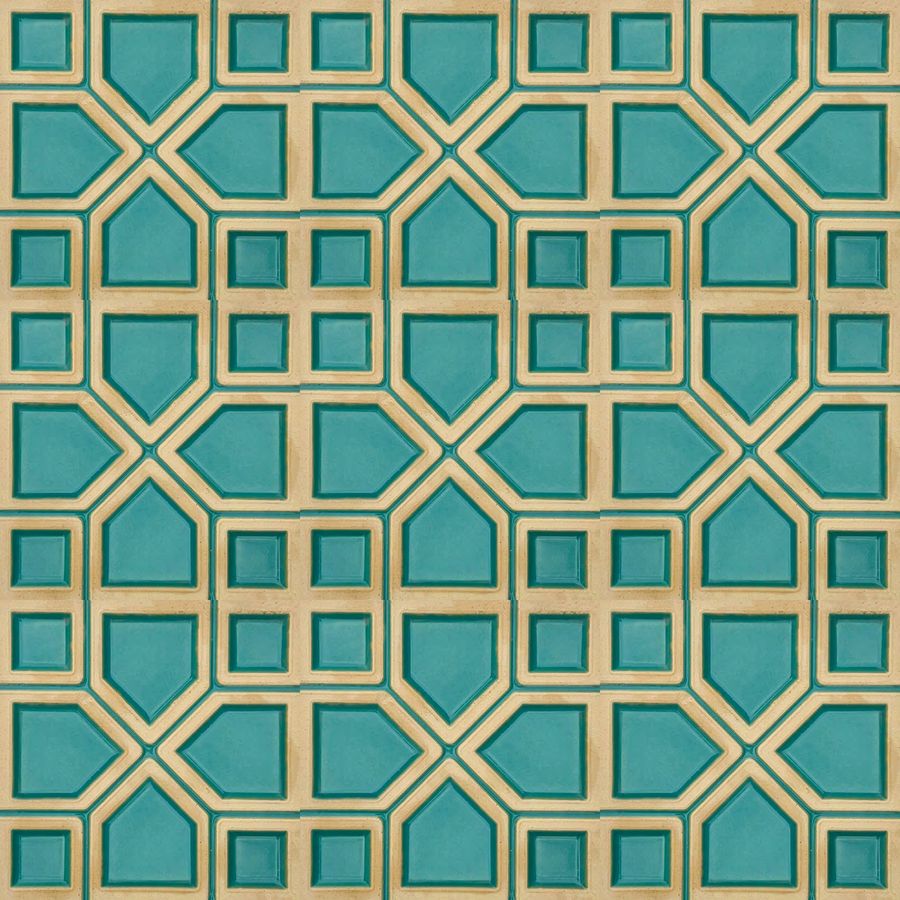
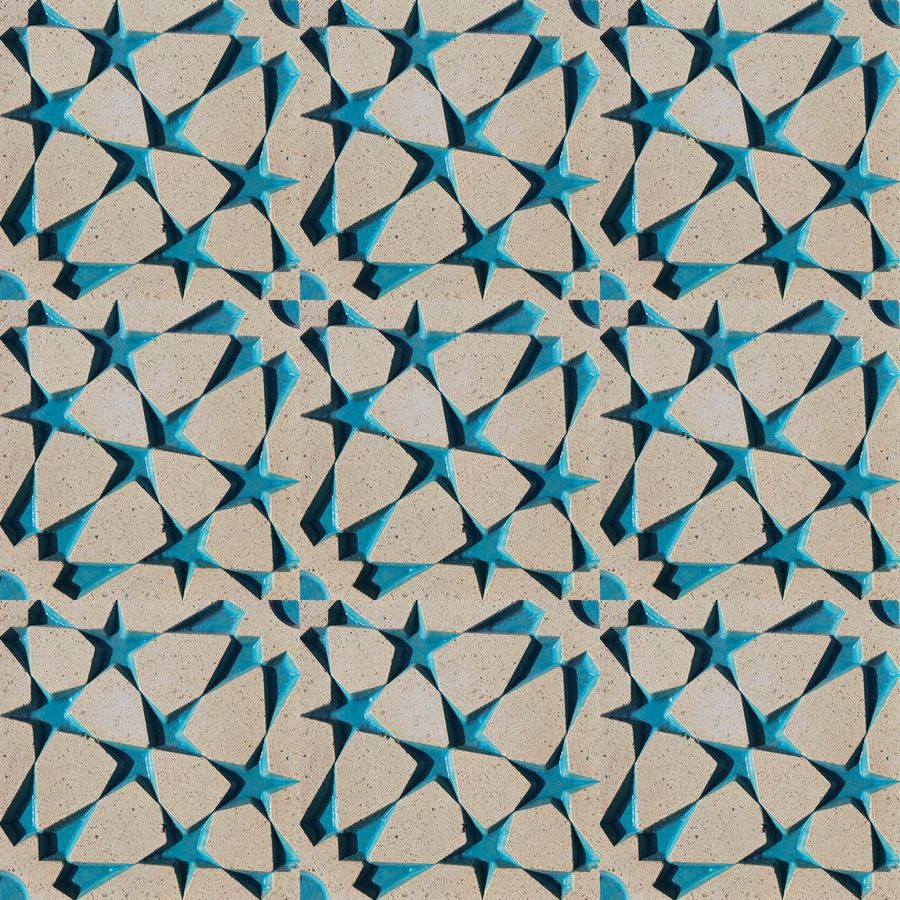
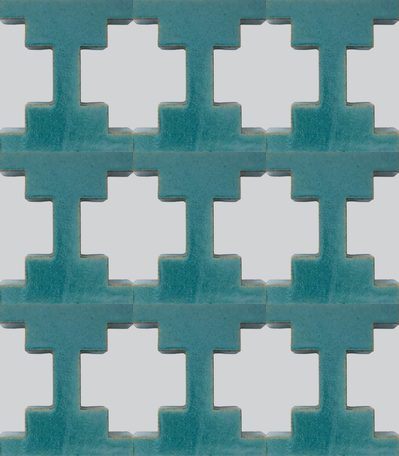
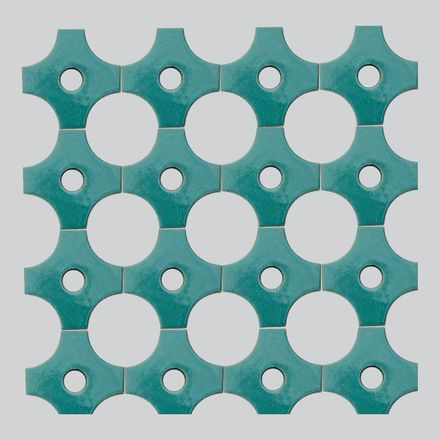
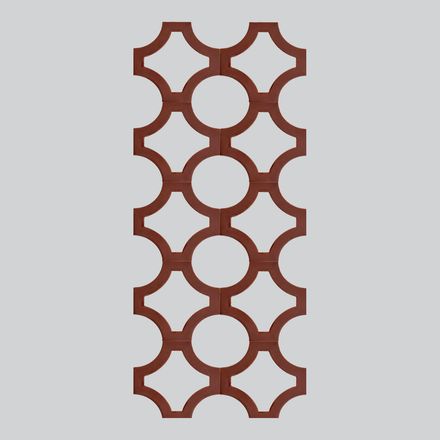
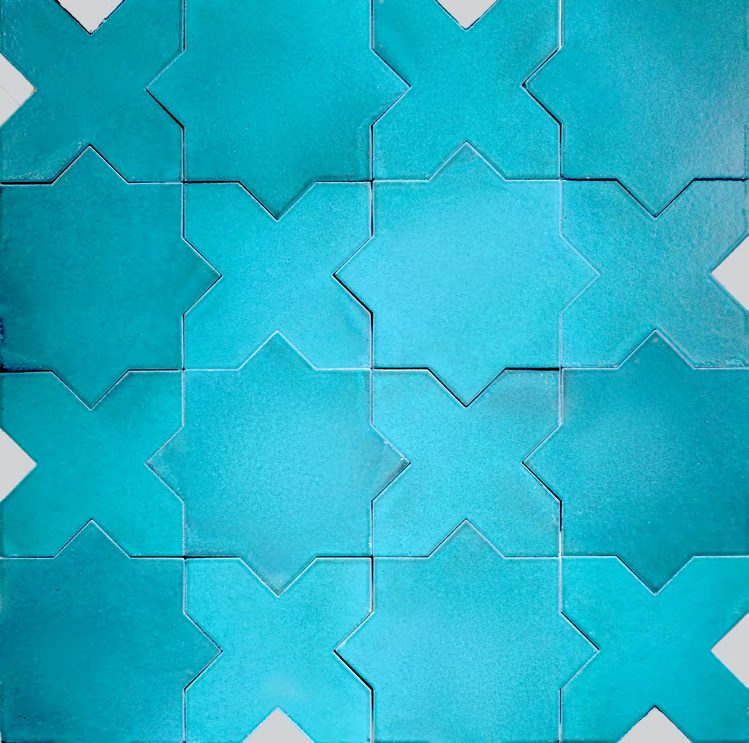
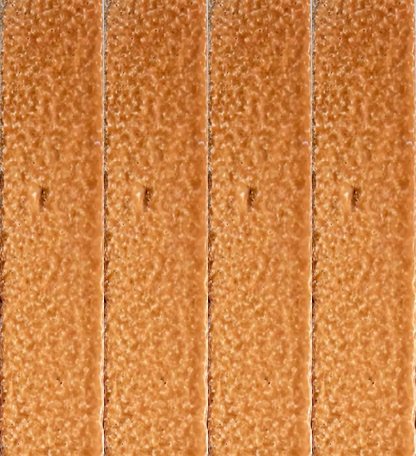
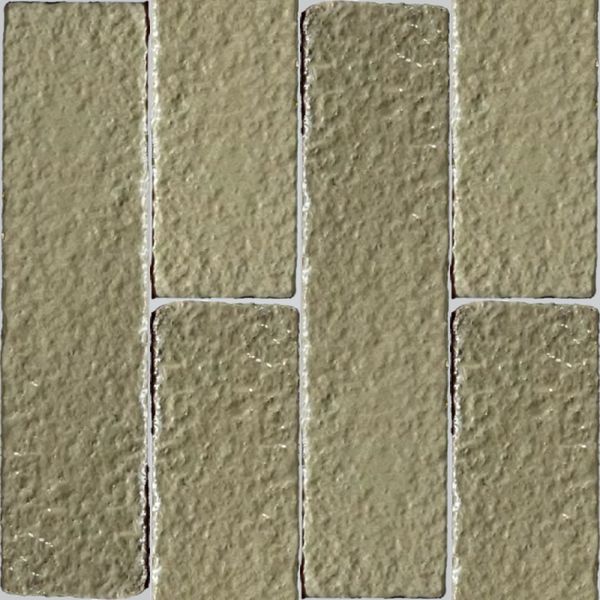
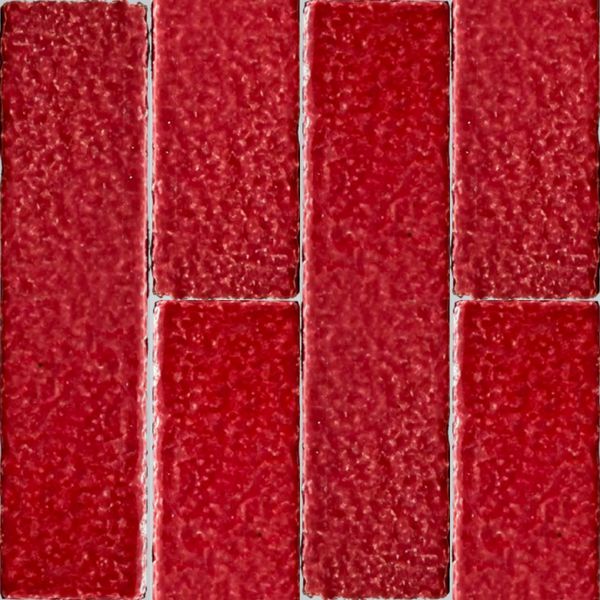
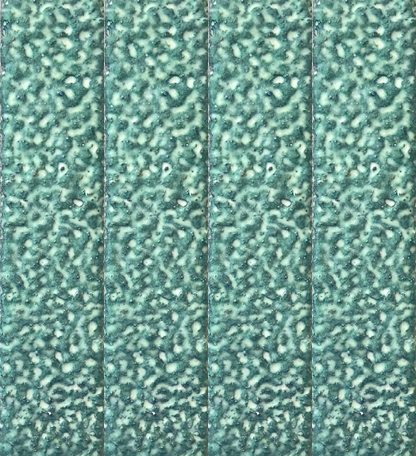
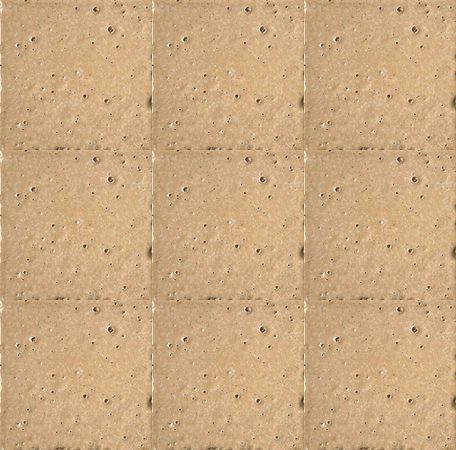
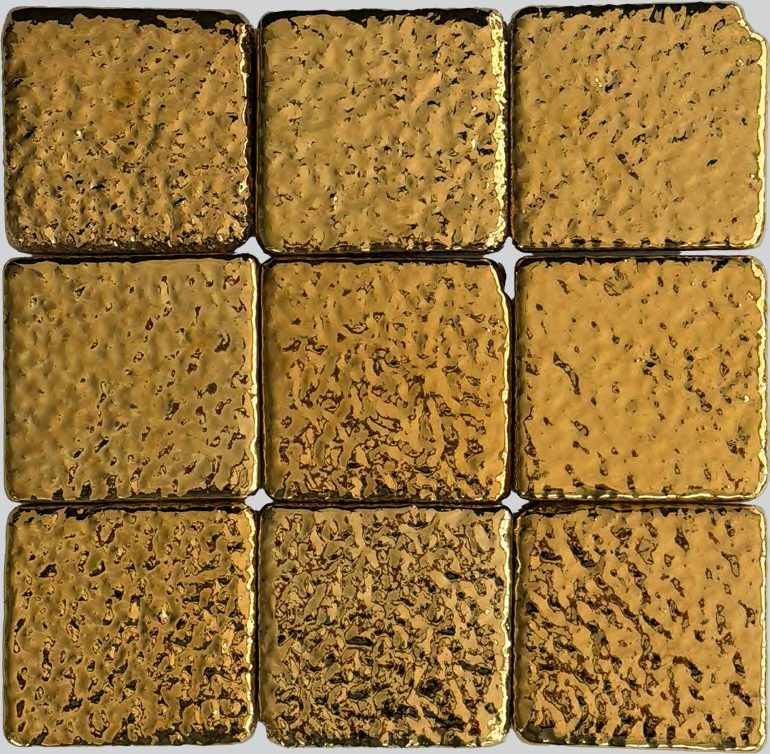
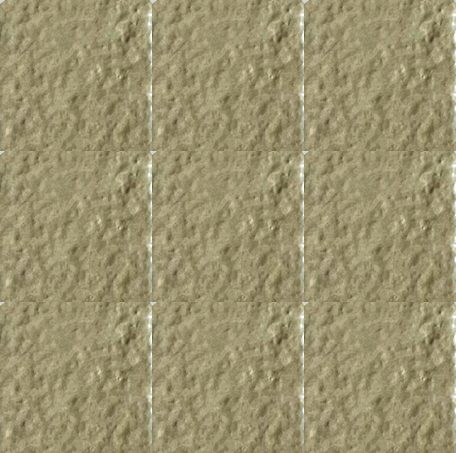
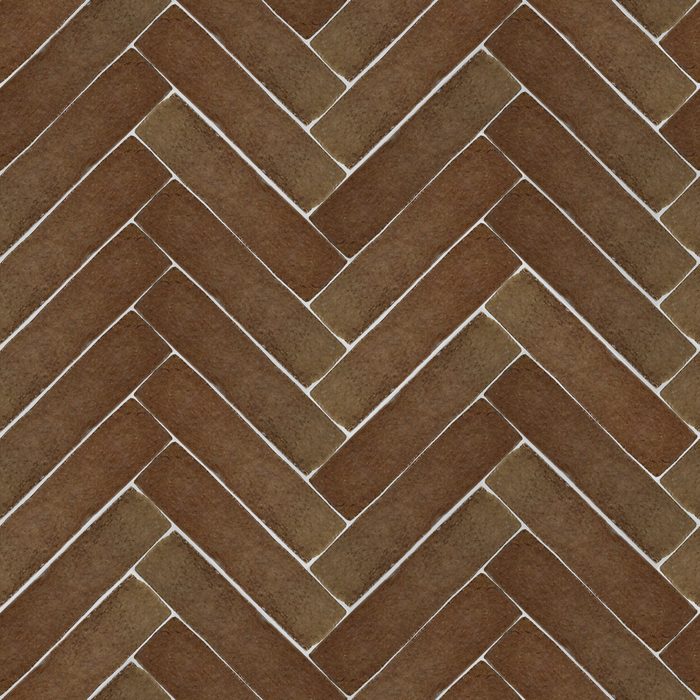
PATTERN & SECTION. On a product card, the PATTERN button opens a preview of the tile laid out as a finished surface. On selected wash basins, the SECTION button opens the technical section drawing.
COMPARE. Tap + COMPARE on any product card to add it to a shortlist of up to eight. A COMPARE button then follows you down the page; open it to see everything you picked side by side — photo, price and every specification on the same rows. From there you can send the list to us on WhatsApp, print it as a single A4 sheet, or copy a link that reopens the same selection on any device.
VIDEO. The VIDEO button opens the product’s video on Pinterest. To watch the videos properly, please install the free Pinterest app first, then tap any VIDEO button and the video will open inside the app.